Transcoding platforms
CodecWorks
Professional platform for real-time encoding and transcoding into HEVC/H.265, AVC/H.264, and MPEG-2 video. Supports adaptive bitrate streaming via HLS, CMAF, and MPEG-DASH protocols, and is compatible with various Conditional Access Systems (CAS).
Windows and Linux support.

ANY ENCODING PRESET AND UNCONDITIONAL RELIABILITY
Configure unique encoding presets fitting your requirements and use the redundancy mode for uninterrupted service

FULL-FEATURED DEMO VERSION WITH TECHNICAL ASSISTANCE
See how the product can fit your project requirements. Expert assistance by Elecard engineers is included

ADAPTIVE STREAMING SUPPORT
HLS and MPEG-DASH protocols

CENTRALIZED CONTROL
Managing several encoding servers via GUI and web interface
CodecWorks is available for Windows and Linux OS
Key Features
Encoding preset configuration and centralized control over several encoding servers via GUI and web interface
Adaptive streaming support over HLS/MPEG-DASH protocols
Accelerated GPU-based encoding for the highest density possible (Intel® Quick Sync Video technology and NVIDIA graphics cards)
Redundancy mode: immediate automatic changeover to a backup source in case of predefined errors
Automated response mechanism for input stream events using the integrated monitoring system
Integration with various CAS systems for reliable protection of content from unauthorized access
Distributed transcoding support using Intel® Quick Sync Video technology
Fast backup in N+M Mode
4K HEVC distributed transcoding
SPTS monitoring with CC error detection
Error notifications via e-mail or using SNMP protocol
Activation of the Color Bar Generator in case of absence of stream input, CC errors, or if PID loss occurs
Web page for configuring actions triggered by stream events
Web page for configuring custom presets
User notification of task-related errors, with faulty tasks placed in a separate list
Ability to set sound notifications for stream issues
Support for MPTS streaming to DVB/ATSC modulator
Support for MPTS demultiplexing to SPTS
Support for SPTS multiplexing to MPTS
Logo overlay
Audio level correction
Audio resampling
Frame rate conversion
Deinterlacing
Denoising
Cropping
Picture resizing
Hardware transcoding on NVIDIA graphics card
Application
IPTV Solutions
Headend solution for encoding and multiplexing
OTT Solutions
OTT broadcasting with adaptive bitrate video streaming via HLS and MPEG-DASH protocols
DVB-T/C/S headend
Headend solution for encoding and multiplexing
Low Latency streaming
Real-time transcoding with a minimum possible delay: 280 ms for DVB and 120 ms for IP networks
Live broadcasting
4K video input via SDI for broadcasting over various network types
Point-To-Point Video Delivery
Delivery of media content over IP with SDI/HDMI input and output ensuring optimal compression and quality
Start using CodecWorks

Download free trial version
Fill out the form to receive a trial

Install software on the server
Follow the steps in User Guide to install the product

Use your 30-day trial
Explore the encoder’s capabilities. Contact Elecard engineers if you have any questions

Get a license
Contact the Sales Department to receive a price quote
Exceptional performance

Up to 100 SD AVC channels on AMD EPYC 7763 platform
(CPU encoding)

Up to 15 HD AVC channels on AMD EPYC 7763 platform
(CPU encoding)

Up to 7 Full HD HEVC channels on AMD EPYC 7763 platform
(CPU encoding)

2 HEVC 50 fps channels on AMD EPYC 7763 platform
(CPU encoding)

Up to 35 SD AVC/MPEG-2 channels
(GPU encoding, Intel® UHD Graphics P750)

Up to 12 Full HD AVC/MPEG-2 channels
(GPU encoding, Intel® UHD Graphics P750)

Up to 6 Full HD HEVC channels
(GPU encoding, Intel® UHD Graphics P750)
2 channels, 4K HEVC, 25 fps
(GPU encoding, Intel® UHD Graphics P750)

Up to 70 SD AVC channels
(GPU encoding, NVIDIA RTX A4000)

Up to 30 Full HD AVC channels
(GPU encoding, NVIDIA RTX A4000)

Up to 32 Full HD HEVC channels
(GPU encoding, NVIDIA RTX A4000)
2 channels, 4K HEVC, 60 fps, 10 bit
(GPU encoding, NVIDIA RTX A4000)
Software and Hardware specifications
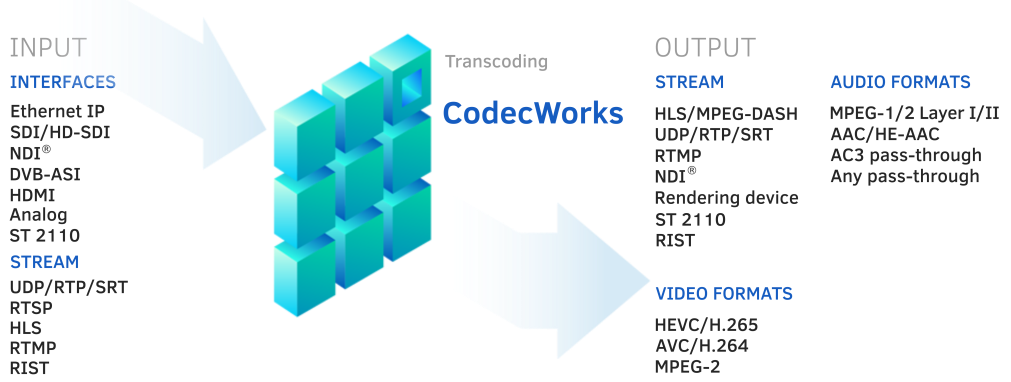
Input formats
- Interfaces:
• Ethernet IP
• SDI, HD-SDI
• DVB-ASI
• HDMI
• NDI®
• ST 2110
- Streaming:
• MPEG-2 TS UDP/RTP/SRT
• HLS
• MPEG-DASH
• RTSP
• RTMP
• RIST
- Video:
• HEVC/H.265
• AVC/H.264
• MPEG-2
• Uncompressed (RGB, YV12, YUY2)
- Audio:
• AAC/HE-AAC v1
• MPEG-1/2 Layer I/II/III
• AC3 (pass-through)
• Analog AES/EBU
• PCM
Output formats
- Interfaces:
• Ethernet IP
• SDI, HD-SDI
• DVB-ASI
• HDMI
• NDI®
• ST 2110
- Streaming:
• MPEG-2 TS UDP/RTP/SRT
• HLS, Low Latency HLS
• MPEG-DASH, Low Latency MPEG-DASH
• RTMP
• RIST
• CMAF
- Video:
• HEVC/H.265
• AVC/H.264 - up to 4K resolution
• MPEG-2 - up to 8K resolution
- Audio:
• AAC
• HE-AAC (v.1)
• MPEG-1/2 Layer I/II
• AC3 (pass-through)
• Any (pass-through)
System Requirements
- CPU encoding:
• CPU (Intel® 4th gen and newer, Xeon E7/E5/E3 v3 and higher, Xeon E/W/D, AMD Zen gen and higher)
• 16 GB RAM (dual-channel mode required)
• Any graphics card
• Windows® 10/11/Server 2019 (64 bit)
• Linux (Ubuntu 24.04)
- GPU encoding (Intel® Quick Sync):
• CPU (Intel® 5th gen and newer, Xeon E3, Xeon E)
• 16 GB RAM (dual-channel mode required)
• Intel Graphics Technology
• Windows® 10/11/Server 2019 (64 bit)
• Linux (Ubuntu 24.04)
- GPU encoding (NVIDIA):
• CPU (Intel® 4th gen and newer, Xeon E7/E5/E3 v3 and higher, Xeon E/W/D, AMD Zen gen and higher)
• 16 GB RAM (dual-channel mode is required)
• NVIDIA GPU for Servers
• Windows® 10/11/Server 2019 (64 bit)
• Linux (Ubuntu 24.04)
Input/output cards
- SDI Capture cards:
• AJA KONA
• SoftLab Forward (FD722, FD788)• DekTec
• Other cards with DirectShow filter support
- DVB Tuners:
• TBS6205
• AVerMedia Nova T2
• Digital Devices DVB T/T2/C/C2 Tuner
• BeholdTV T8 DVB-T/C
Control
• Managing via GUI and web interface
• Management and monitoring via HTTP
• SNMP
• Command line
• System information monitoring
Other
• Closed Captions EIA-608, EIA-708
• DVB subtitles
• Teletext subtitles
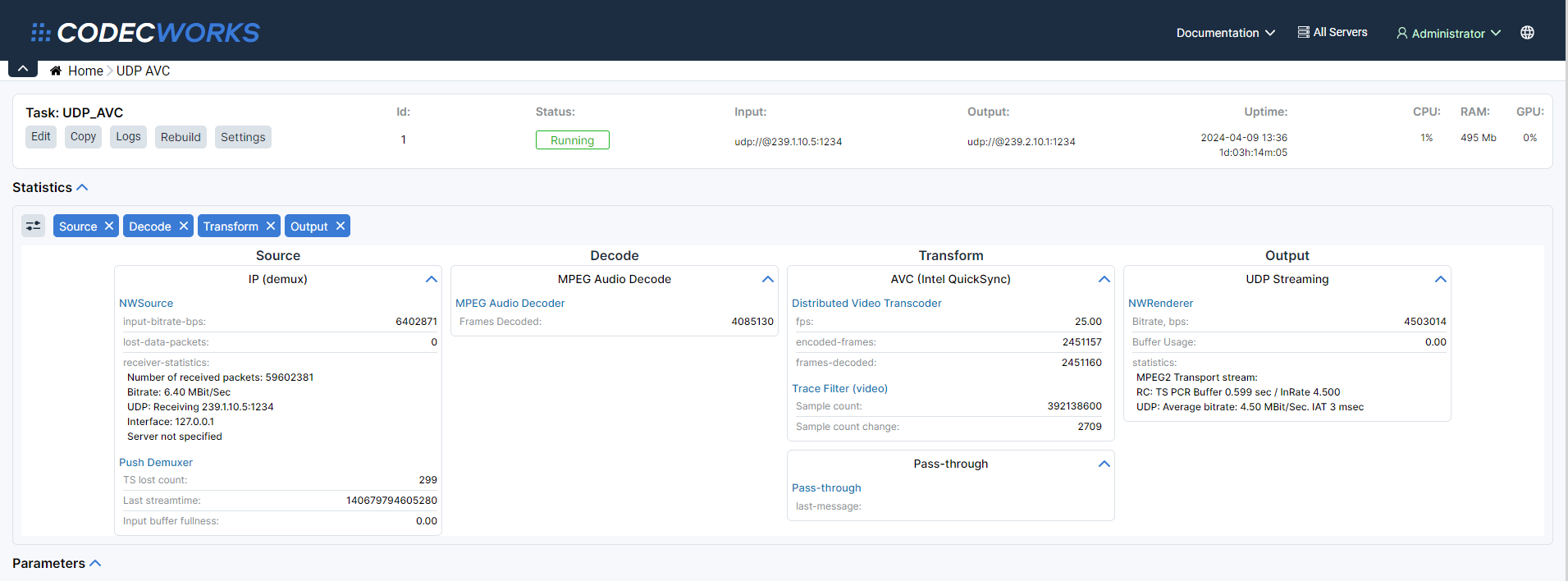
Screenshots
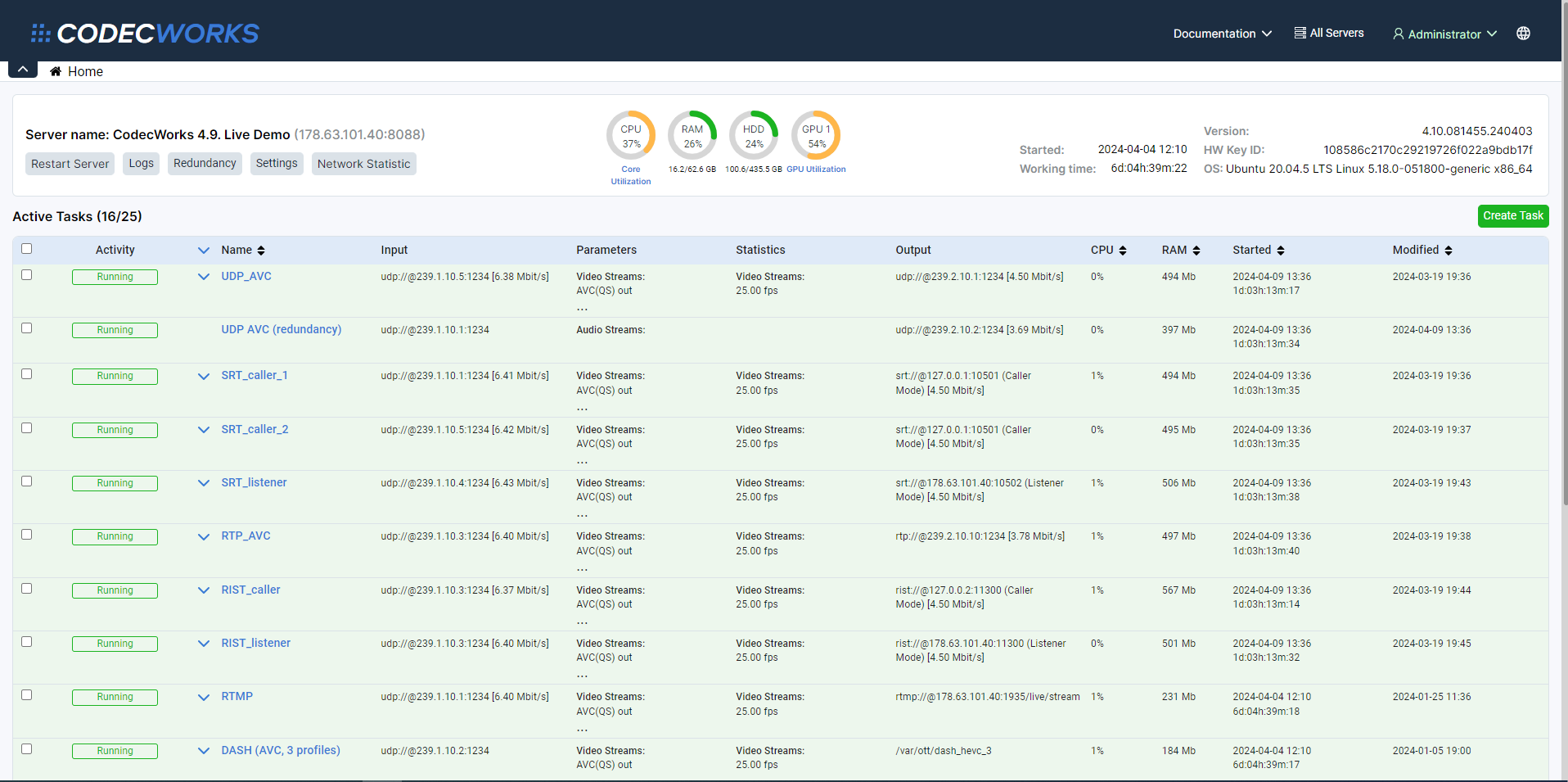
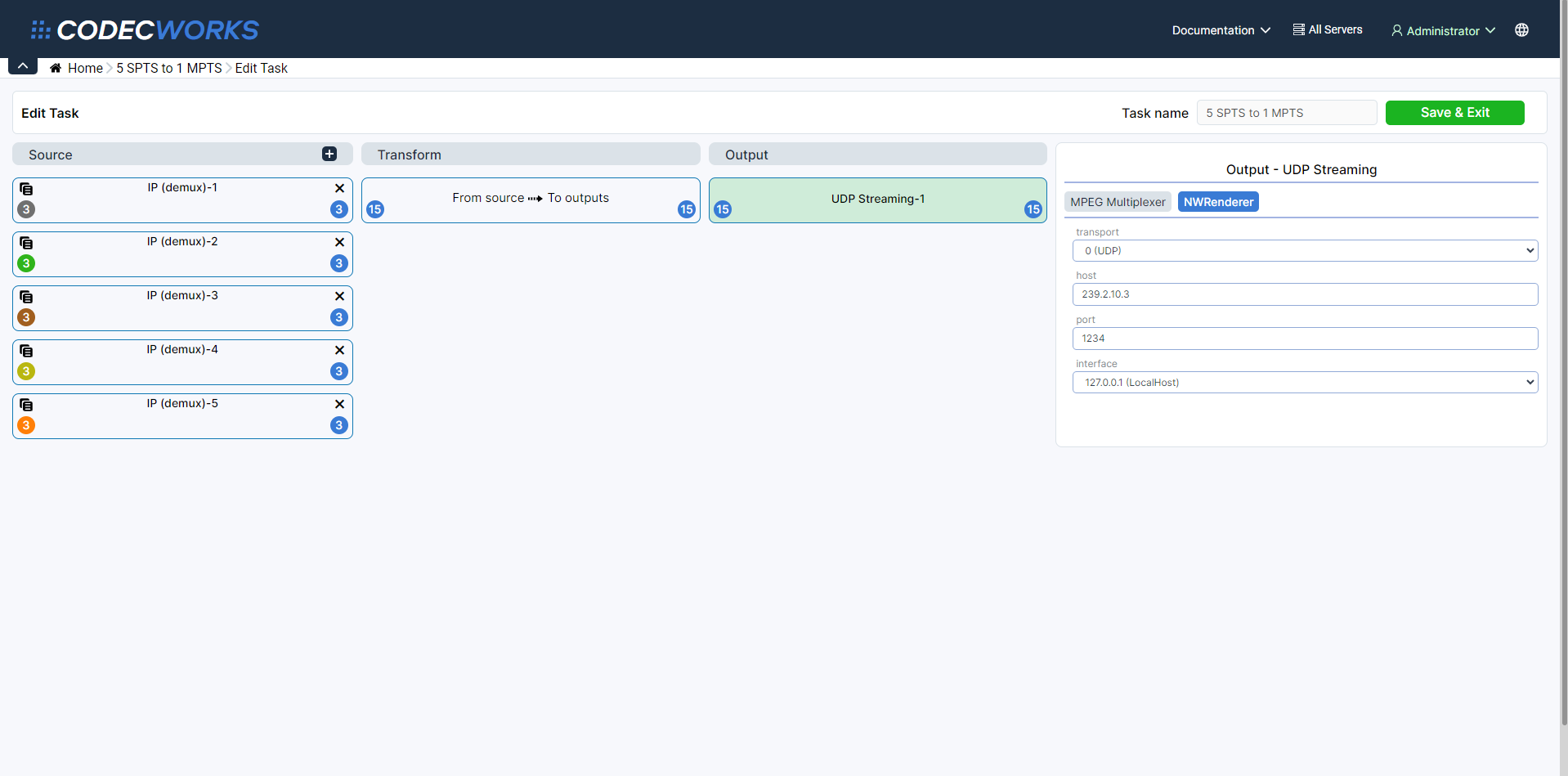
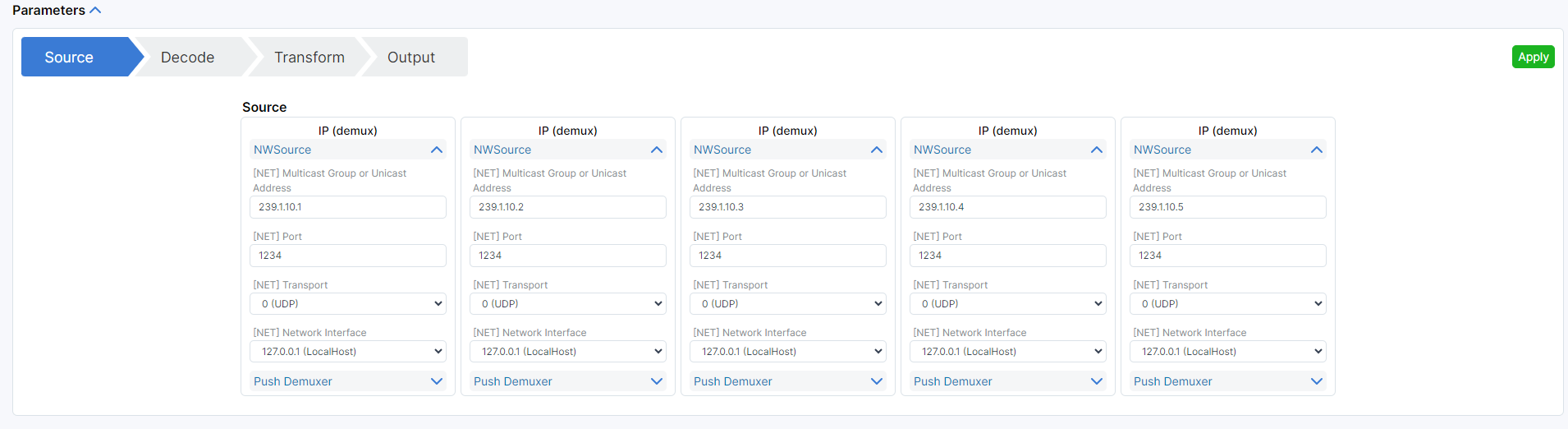
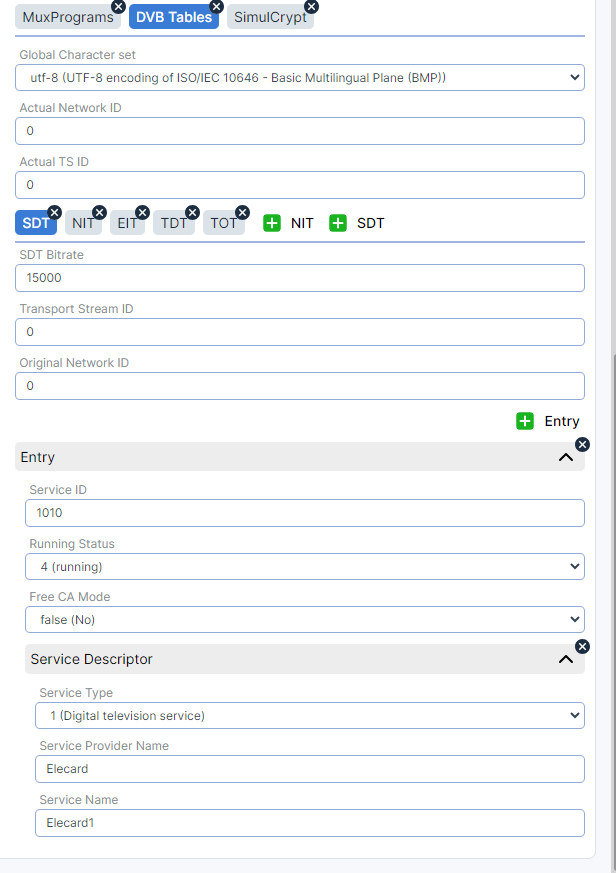
Resources
- Quick Start
- User Guide
- Datasheet
- Elecard CodecWorks datasheet (PDF, 2.27 MB)
- White Papers
- How to set up encoder for optimum results (PDF, 2.87 MB)
- Elecard's Broadcasting Excellence Across Major Sporting Events (PDF, 1.54 MB)
- Use Cases
- Elecard software platform on HPE Moonshot (PDF, 1.30 MB)
- Elecard LowDelay solution (PDF, 6.52 MB)
Buy & Download
Please fill in a short form to get free demo-version or product pricing.
See what's new in Elecard СodecWorks v.4.11
See what's new in Elecard СodecWorks v.4.10
See what's new in Elecard СodecWorks v.4.9
See what's new in Elecard СodecWorks v.4.8
See what's new in Elecard СodecWorks v.4.7
See what's new in Elecard СodecWorks v.4.6
Related products
Multistream Player
Mosaic view player designed for real-time visual control of video stream quality and audio signal levels.
Boro
IPTV Monitoring
Software solution for monitoring the quality of video streams delivered over UDP, RTP, HTTP, HLS, DASH, SRT, RTMP, NDI, and T2-MI over IP, as well as DVB signals. Boro tracks QoS and QoE parameters across all segments of distributed networks. Real-time live stream monitoring.
Video
 What's new in Elecard CodecWorks 4.11
 Redundancy setup in CodecWorks
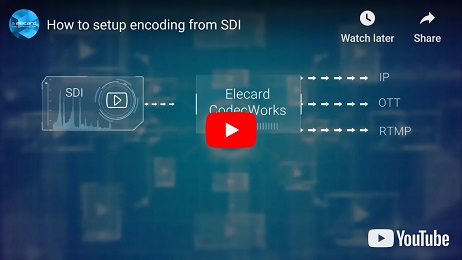 Setup encoding from SDI
 Benefits of CPU and GPU transcoding
 Setting up and operating Linux version
 SNMP notifications and system responses
 User right management in Elecard CodecWorks live encoder
 Distributed transcoding in Elecard CodecWorks: what for and how to set up
 Work with subtitles and teletext from different sources when encoding to various formats
 How to choose network protocol for live encoding
 Use of CBG when input stream unavailable
 Quick Start Guide for live encoder Elecard CodecWorks
 What's new in Elecard CodecWorks 4.8
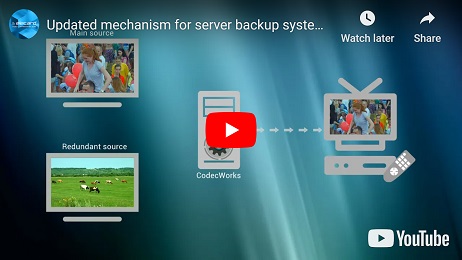 Updated mechanism for server backup system of Elecard CodecWorks live transcoder
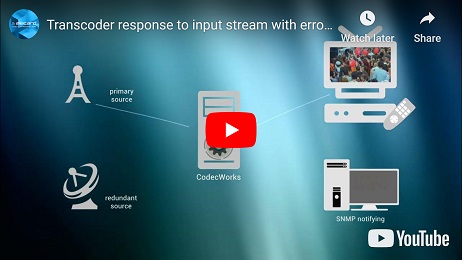 Transcoder response to input stream with errors
 What's new in Elecard CodecWorks 4.10
Testimonial
All testimonialsNews & Events
We’re excited to announce Elecard’s participation in the 4K HDR Summit 2025, the world’s leading event where technology and content come together to shape the future of ultra-high-definition media. Join us in Seville TechPark on November 11–14, 2025.
We’re excited to invite you to the UWA Summit 2025 — one of the leading global events in the ultra-high-definition (UHD) industry, taking place November 5–8 in Shenzhen, China. While Elecard won’t have a booth this year, we’re looking forward to connecting with you at our expert talk Ensuring Brilliance: Troubleshooting HDR Streaming and Validating Quality.
Our Customers
We are proud to be bringing our multimedia technologies knowledge and expertise to more than 9K companies in the world.